Customize your homepage and labels according to your personal needs.
By customizing the homepage, you can add, remove, and reorder the entry categories that appear on your homepage. Customizing labels allows you to change the title of each entry as well as how such an entry will appear on your child’s timeline.
In this article we will explain how to:
Customize the homepage
Customize labels
Follow the steps below to customize your homepage:
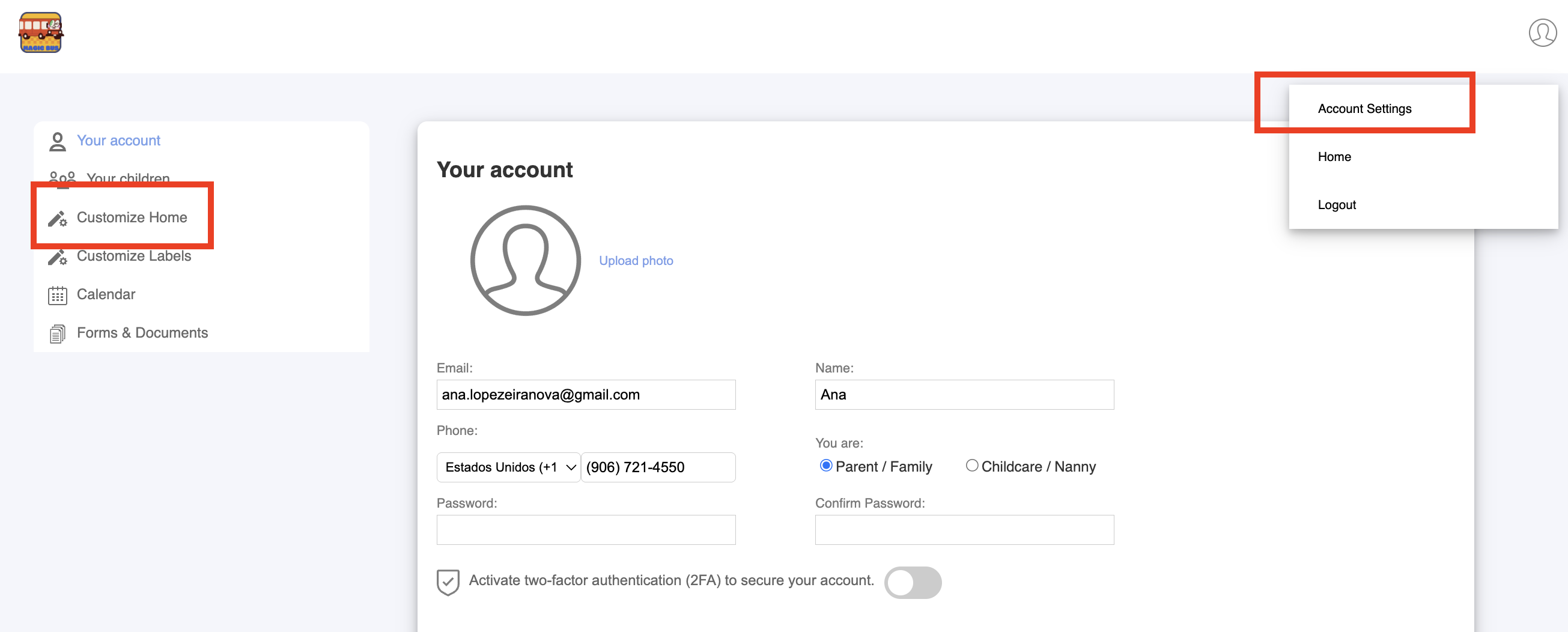
Go to Account Settings > Customize Home.
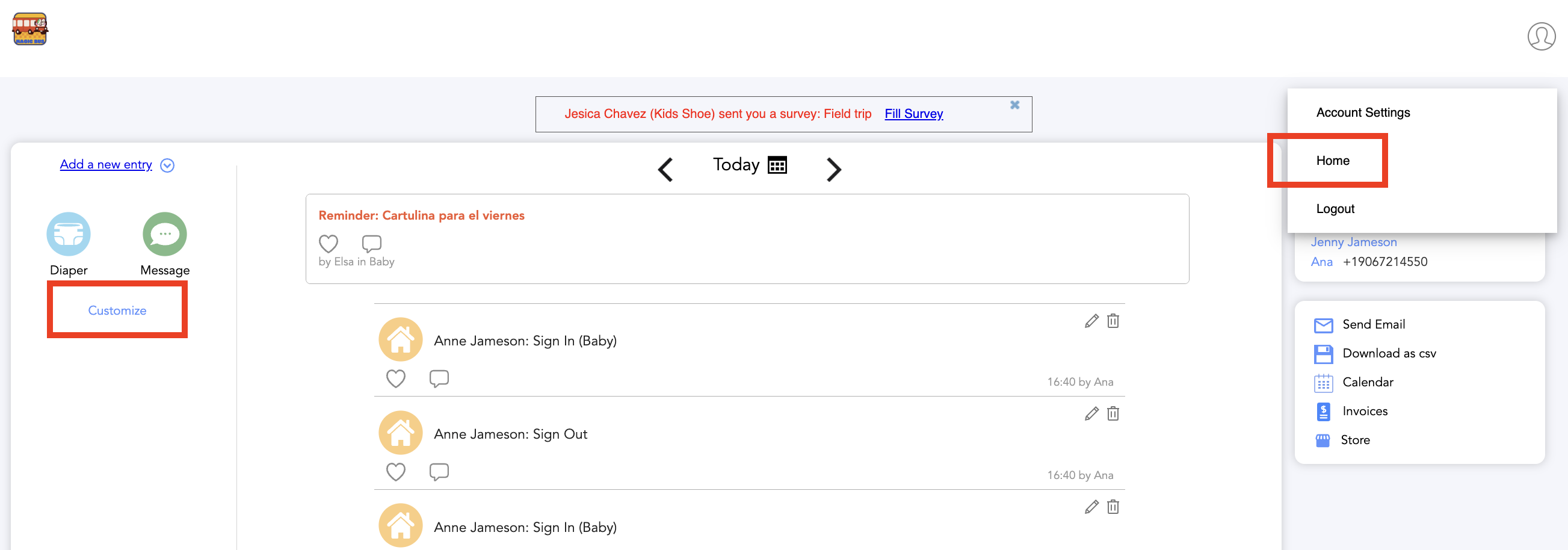
Or go to Home, and there Customize:
Select/deselect the categories that you would like to appear on the homepage, and deselect the categories that you want to remove from the homepage.

Was this article helpful?
That’s Great!
Thank you for your feedback
Sorry! We couldn't be helpful
Thank you for your feedback
Feedback sent
We appreciate your effort and will try to fix the article