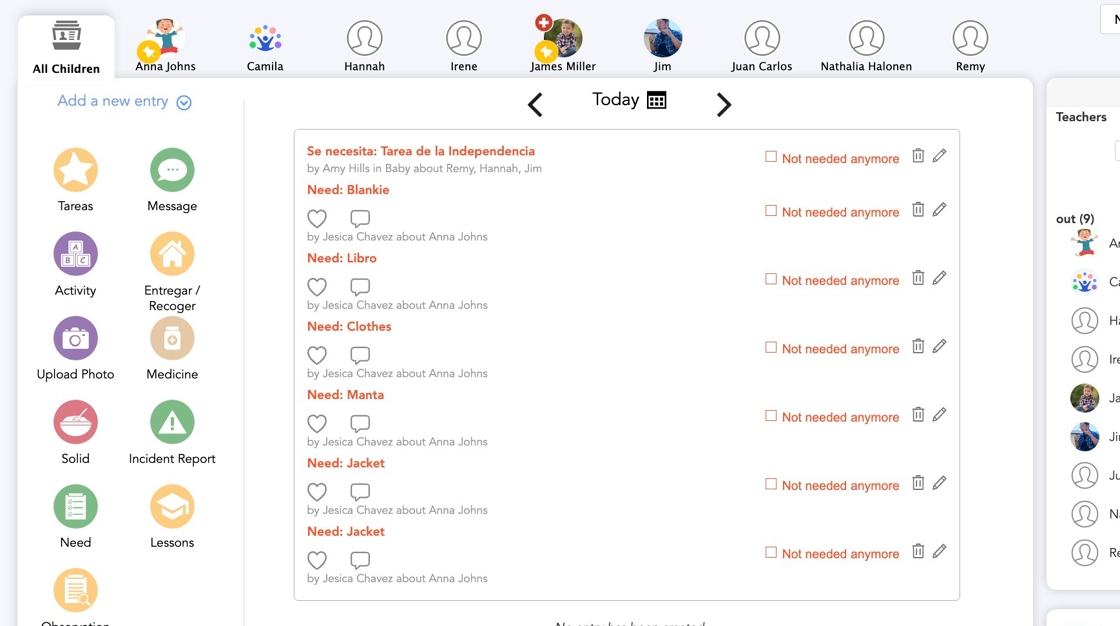
1. Log in to your admin account
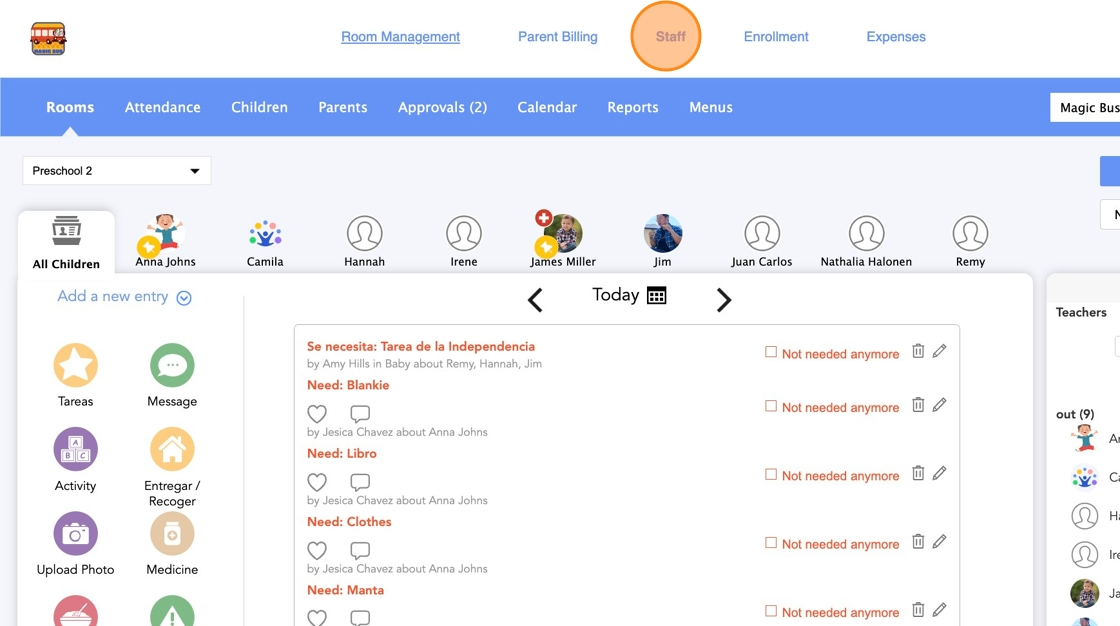
2. Click Staff
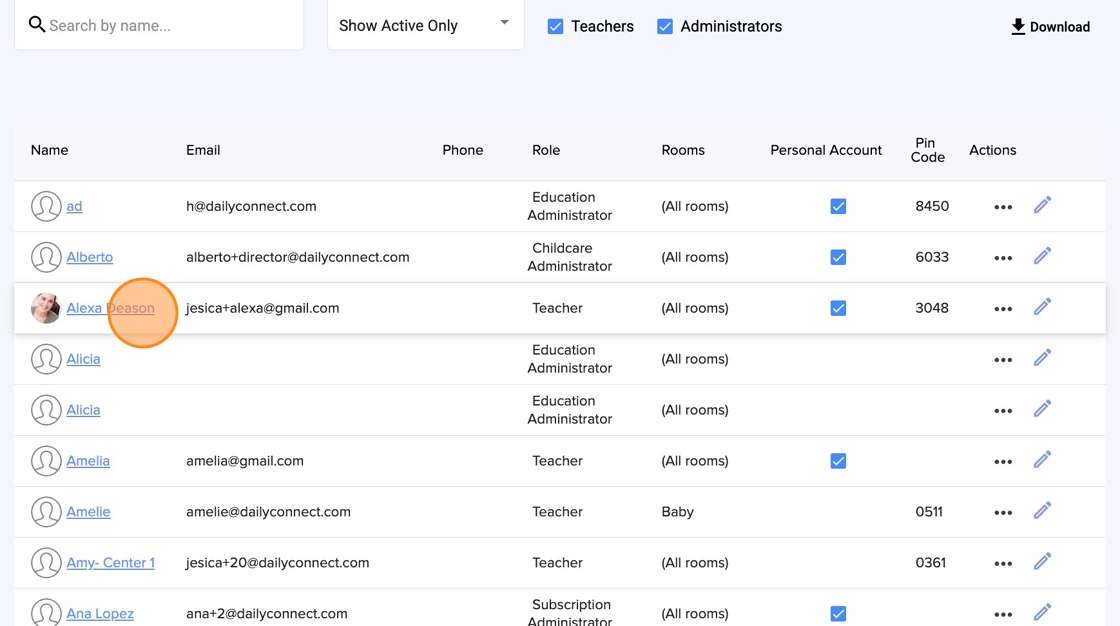
3. Select the staff member account that you want to modify
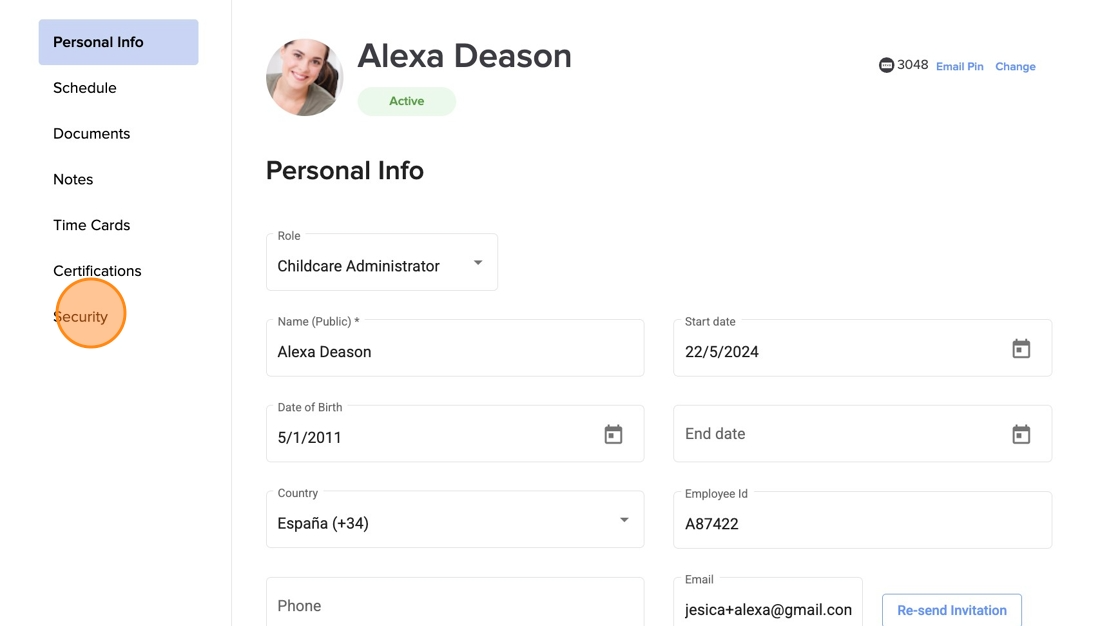
4. Click Security
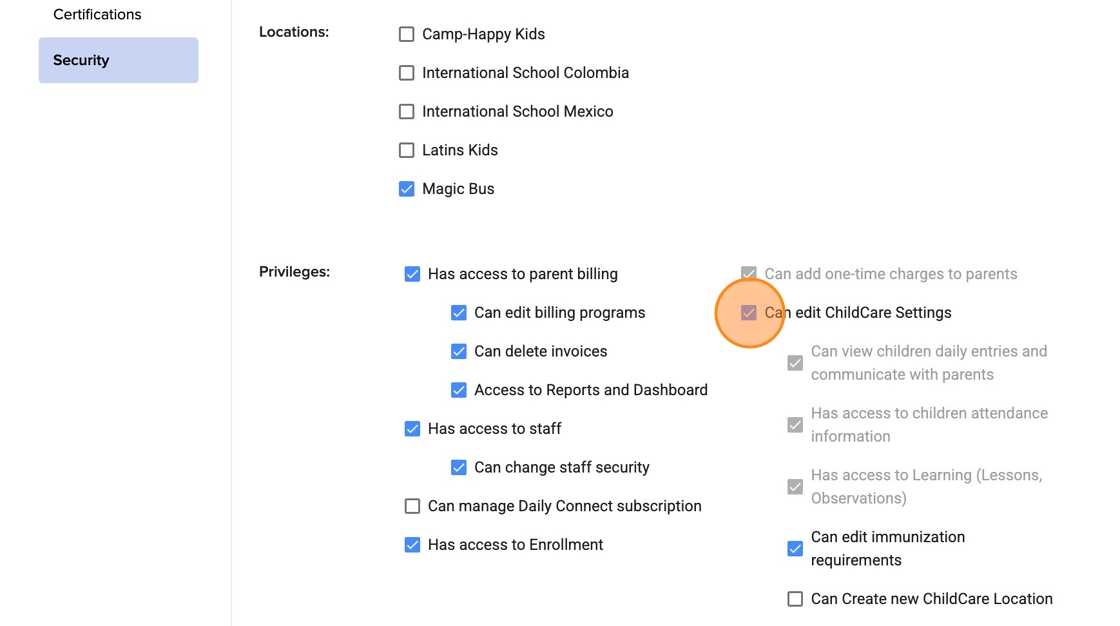
5. Some of the privileges you can remove are those related to your center's settings, including the ability to modify its learning framework or create new locations.
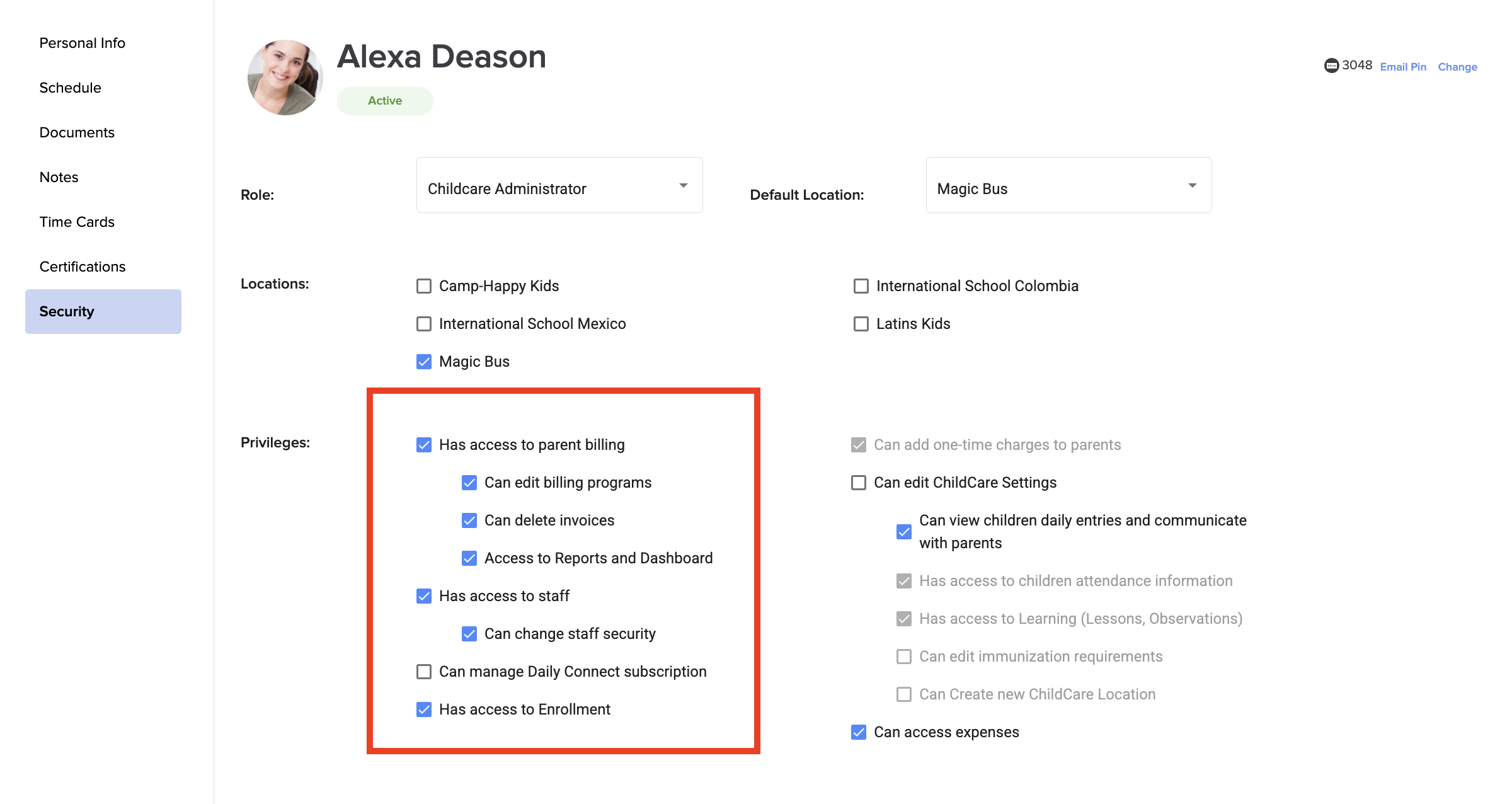
6. You can also configure other privileges like parent billing or staff settings.
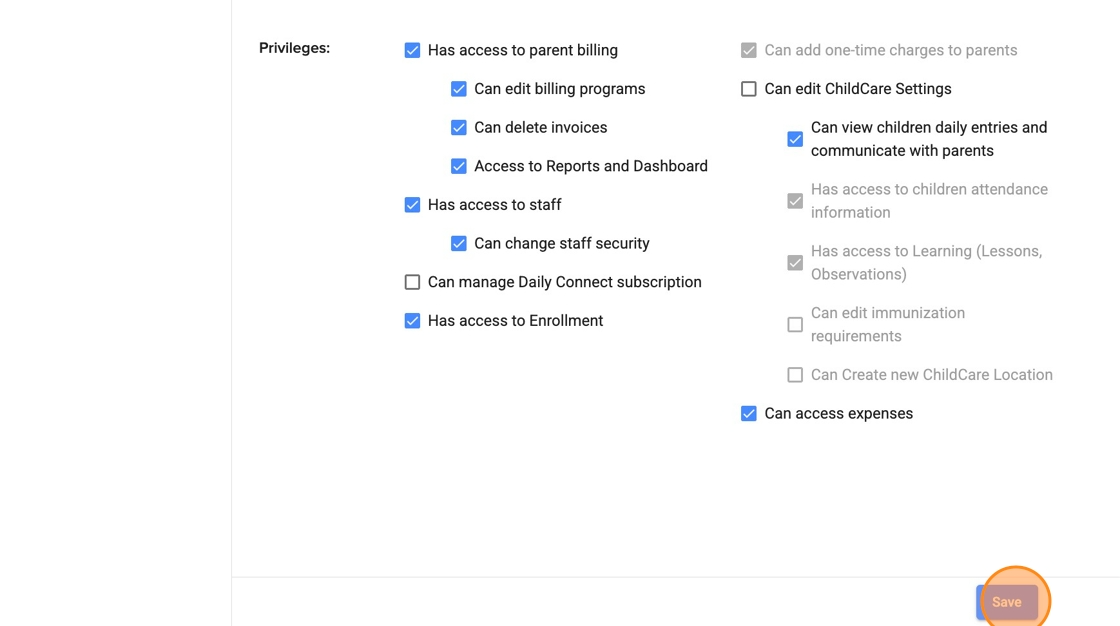
7. Click Save
Was this article helpful?
That’s Great!
Thank you for your feedback
Sorry! We couldn't be helpful
Thank you for your feedback
Feedback sent
We appreciate your effort and will try to fix the article