You can now send automated emails and text messages at key moments in your enrollment process. When they submit an application and have been officially admitted. The email after they submit can include the completed form as a PDF attachment, giving families a copy for their records.
Follow these steps:
1. Navigate to the "Enrollment" section in the Web App
2. Click on "Settings."
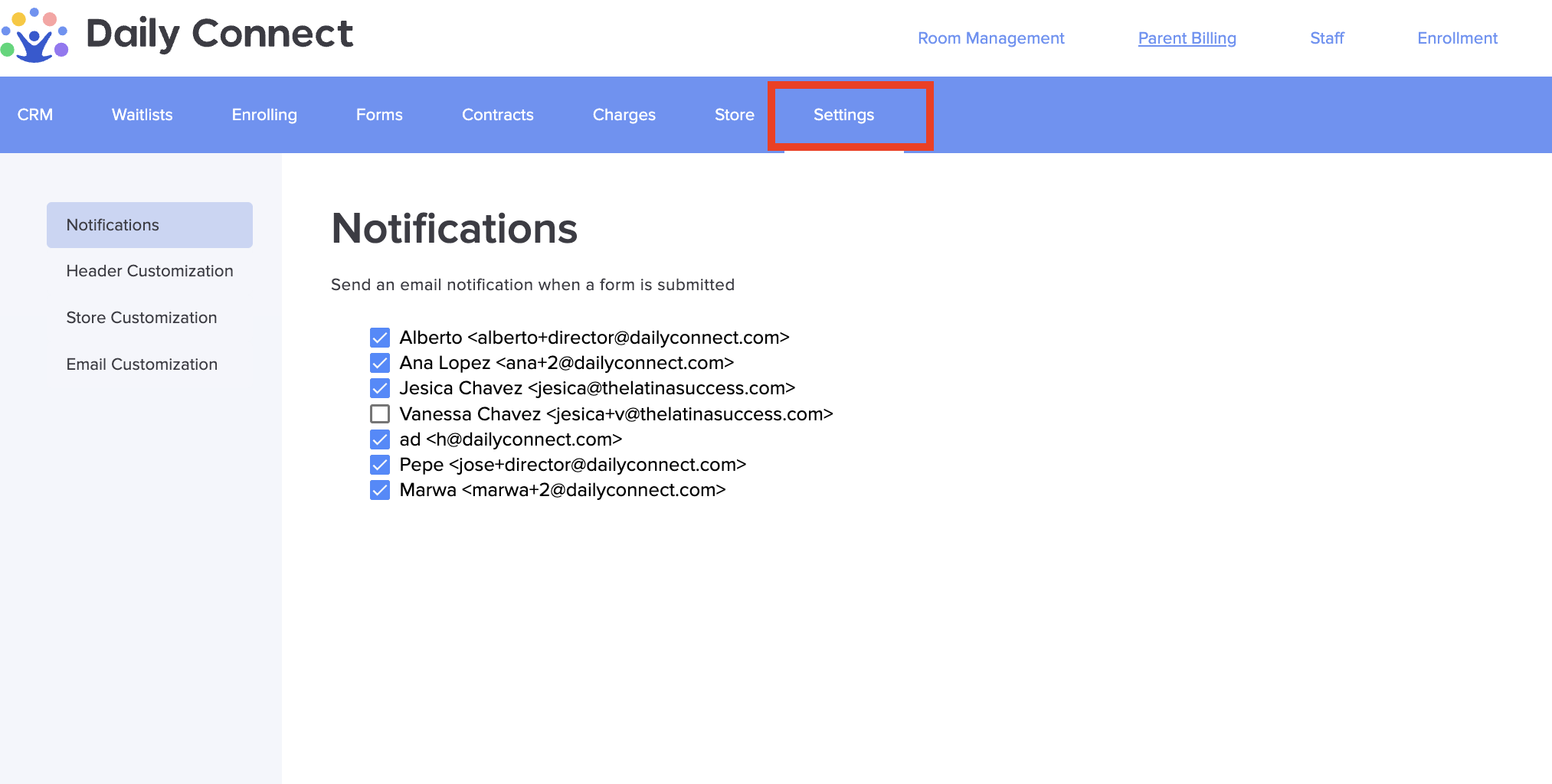
3. Select "Email Customization"
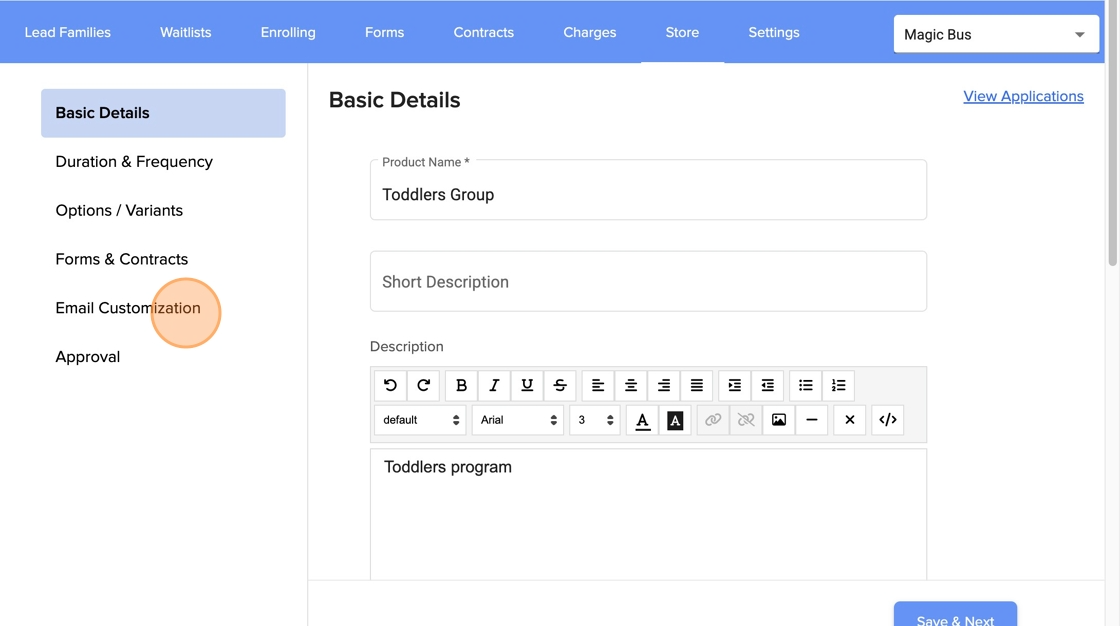
4. Check the box to send an email when a form is completed
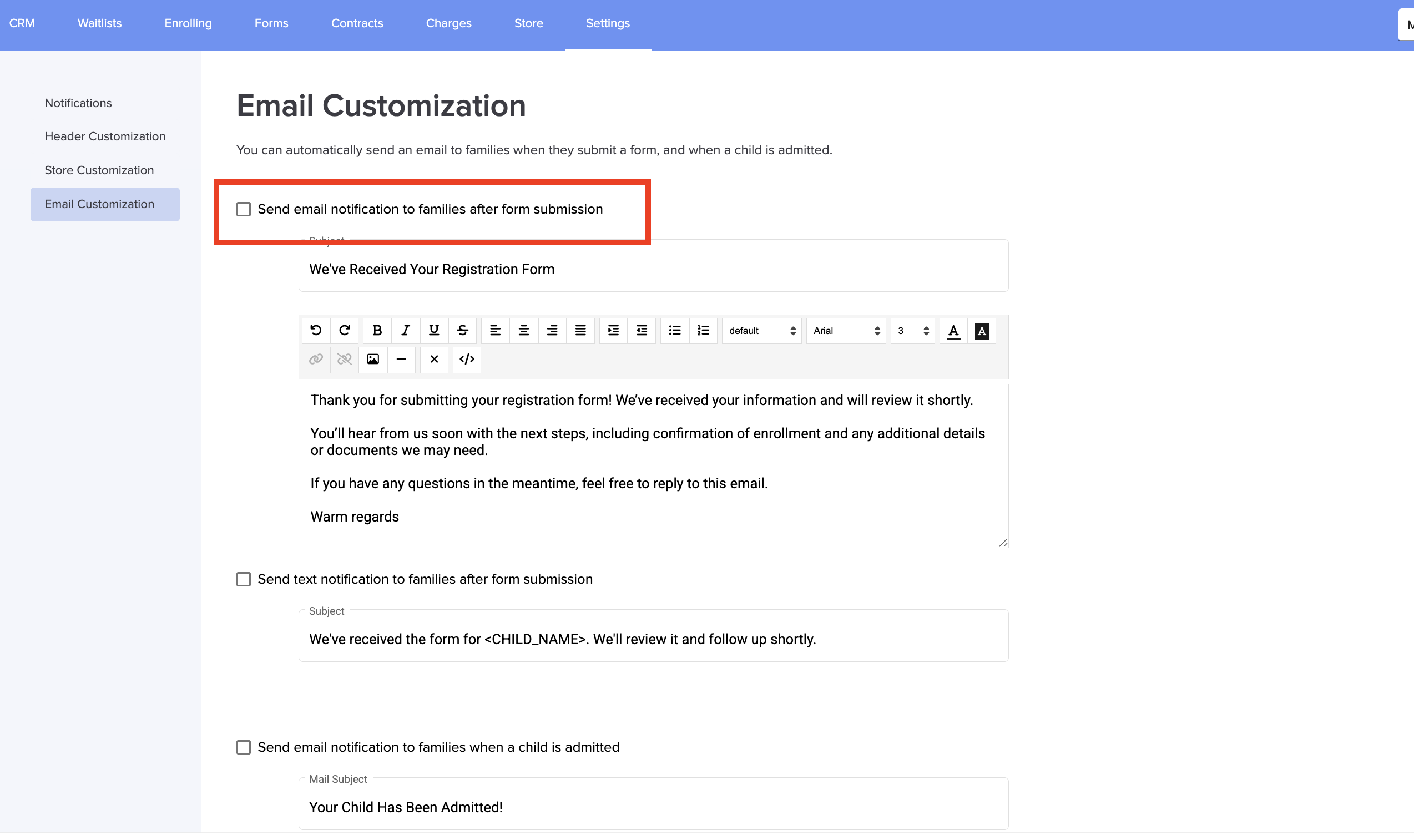
5. Check the box to send a text message when a form is completed
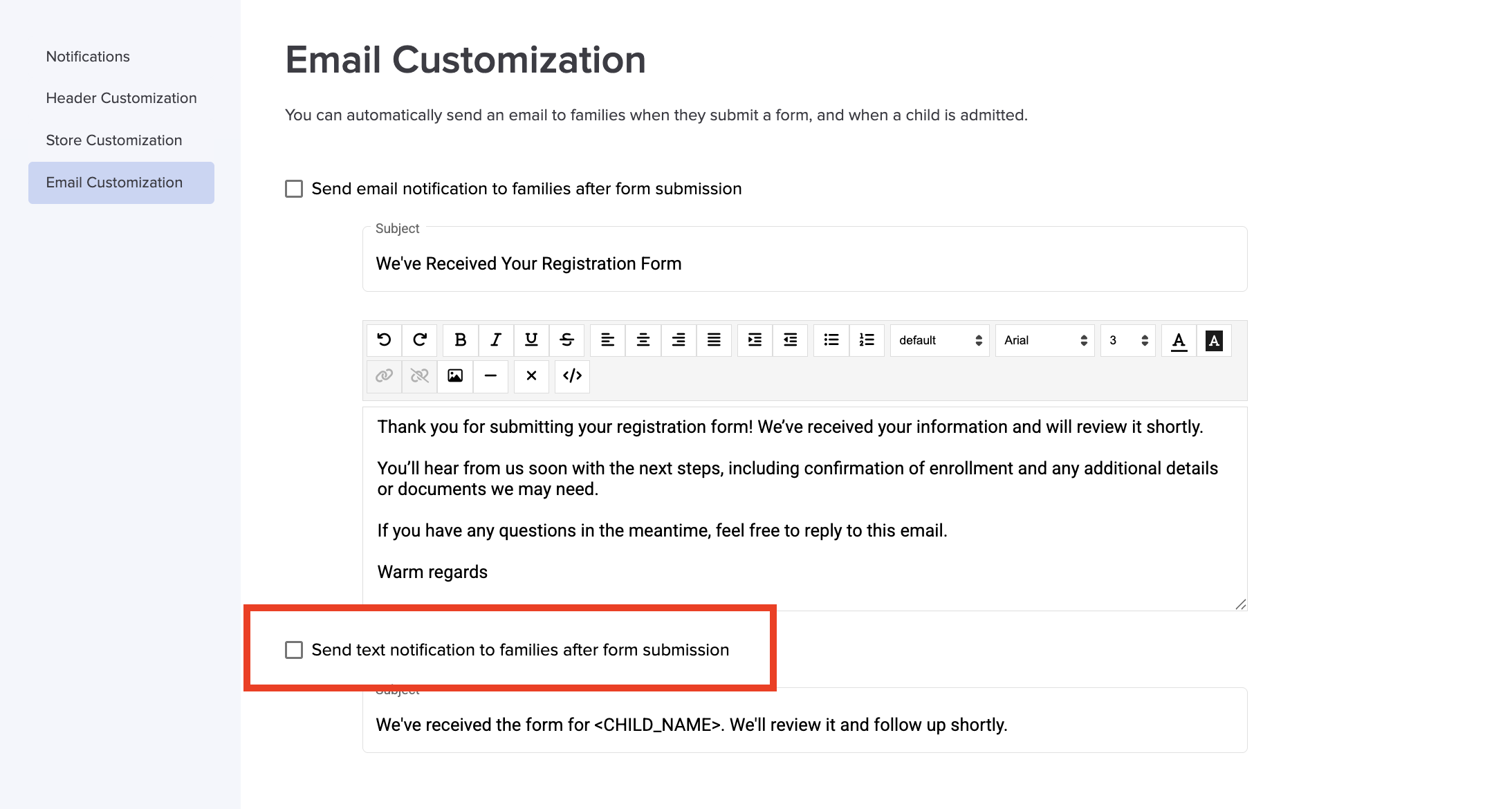
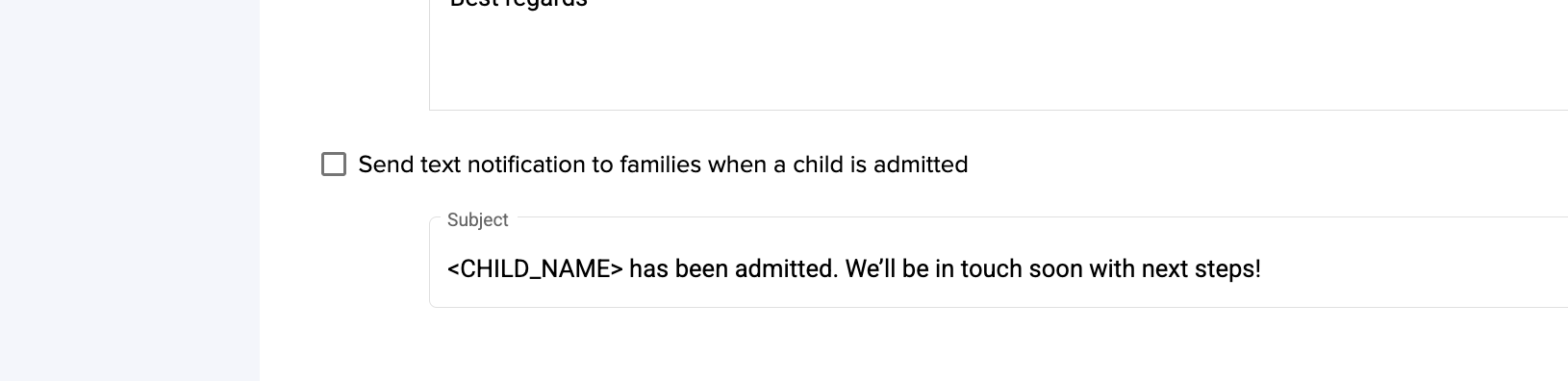
6. Check the box to send an email upon child admission.
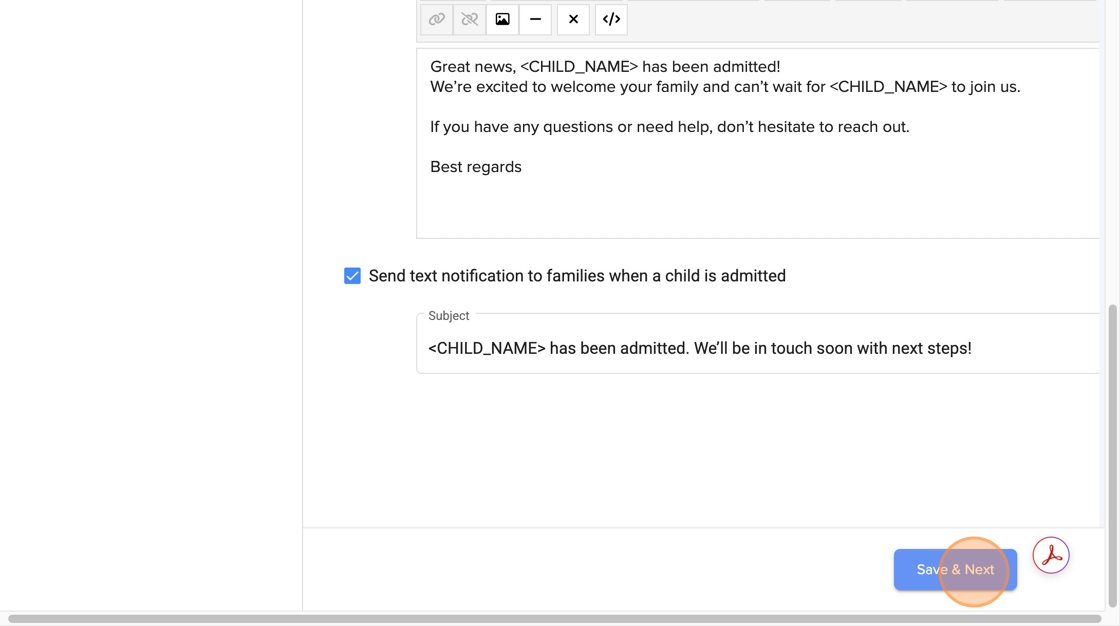
7. Click "Save & Next"
Was this article helpful?
That’s Great!
Thank you for your feedback
Sorry! We couldn't be helpful
Thank you for your feedback
Feedback sent
We appreciate your effort and will try to fix the article