When creating an account for your facility on Daily Connect, there are various steps you need to take before your facility can enjoy the capabilities of the Daily Connect platform. This guide will take you through that process.
Follow the instructions below to create an account for your care facility on the Daily Connect web app
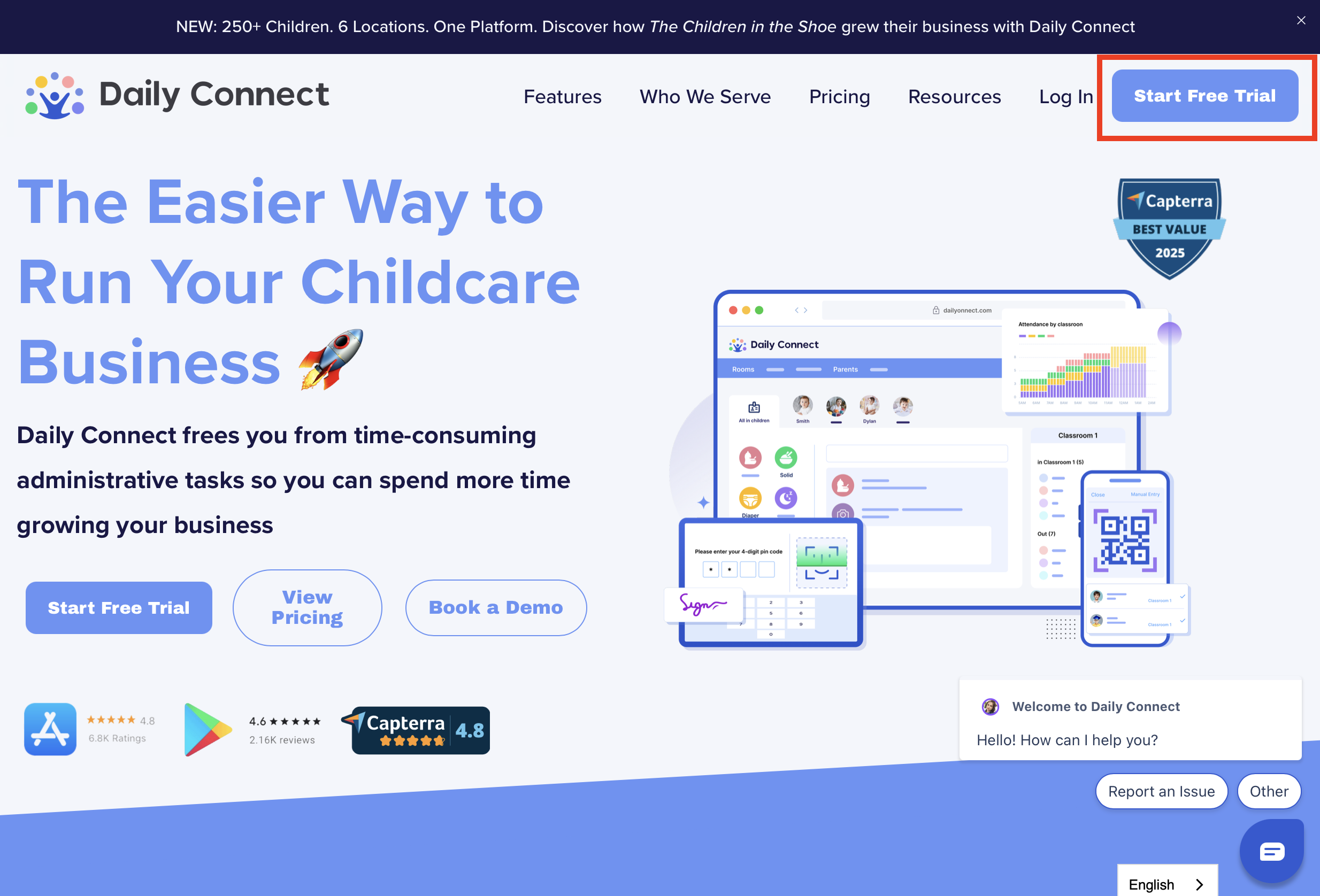
First, select Start Free Trial. Please note, the creation of an account can only be done on the Daily Connect web application.
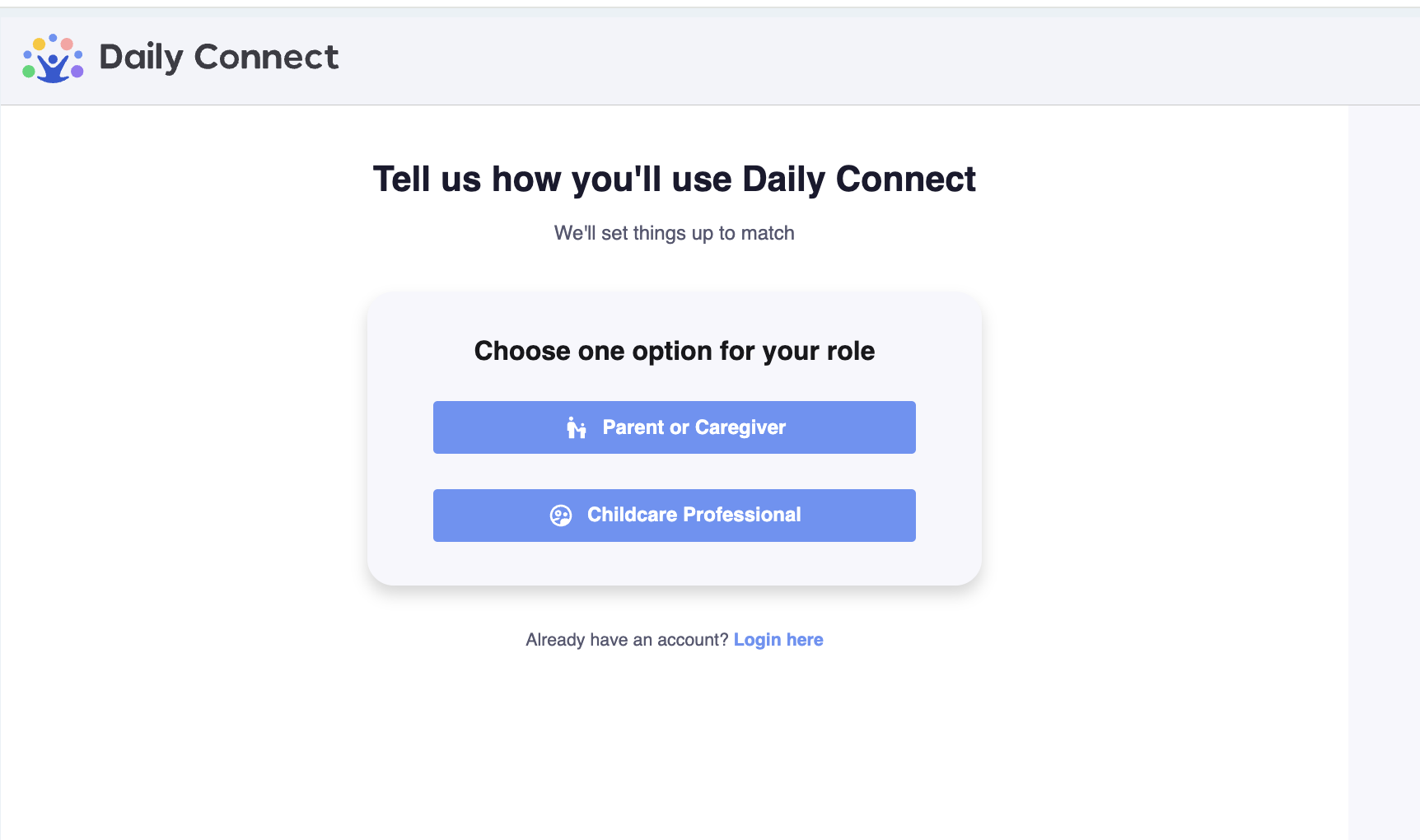
Next, select Parent/Caregiver or Child Care Professional
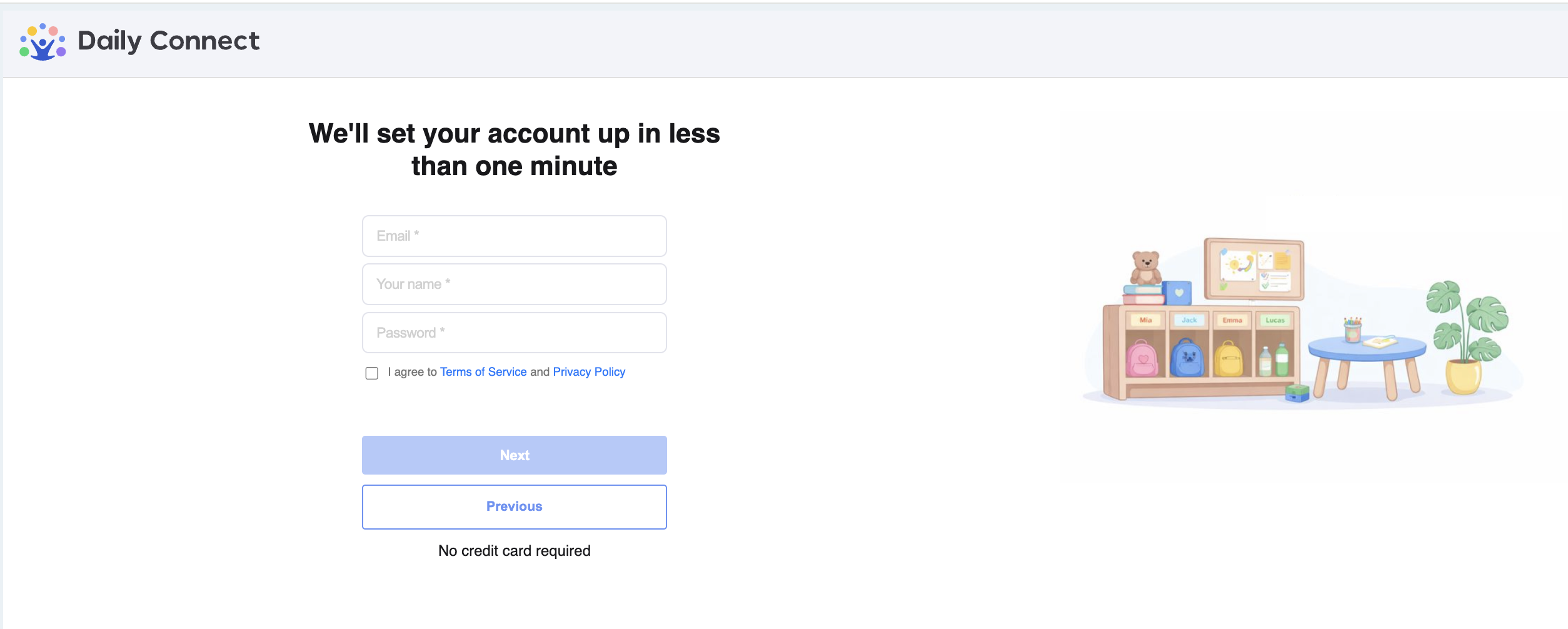
3. Fill in all the information
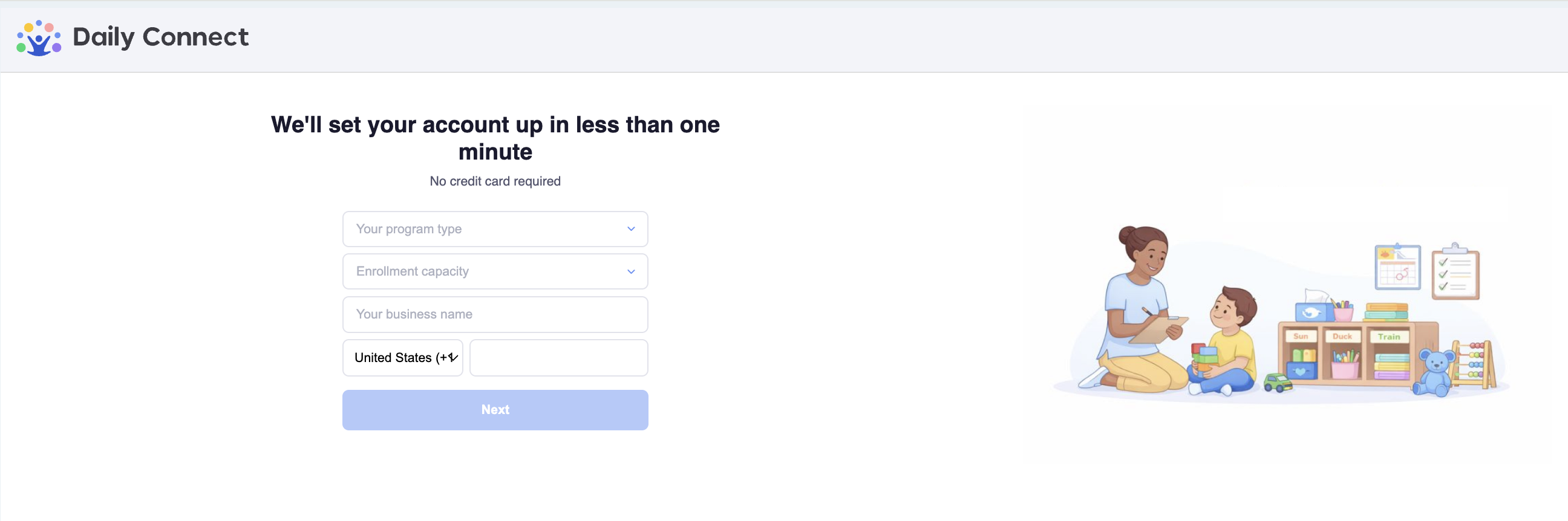
4. Fill in all the information :
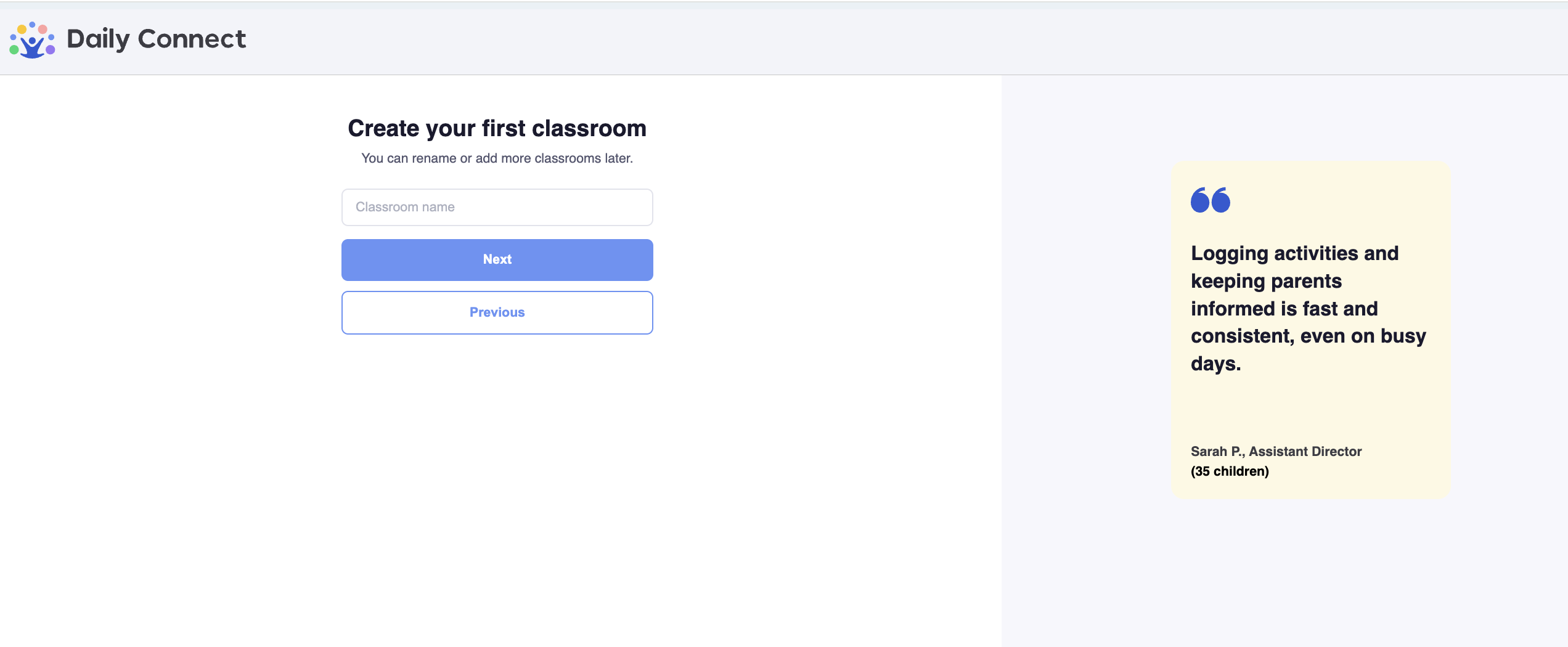
5. If you have more than 9 kids, the system will ask you if you want to create your first class, you can skip this step by selecting Next:
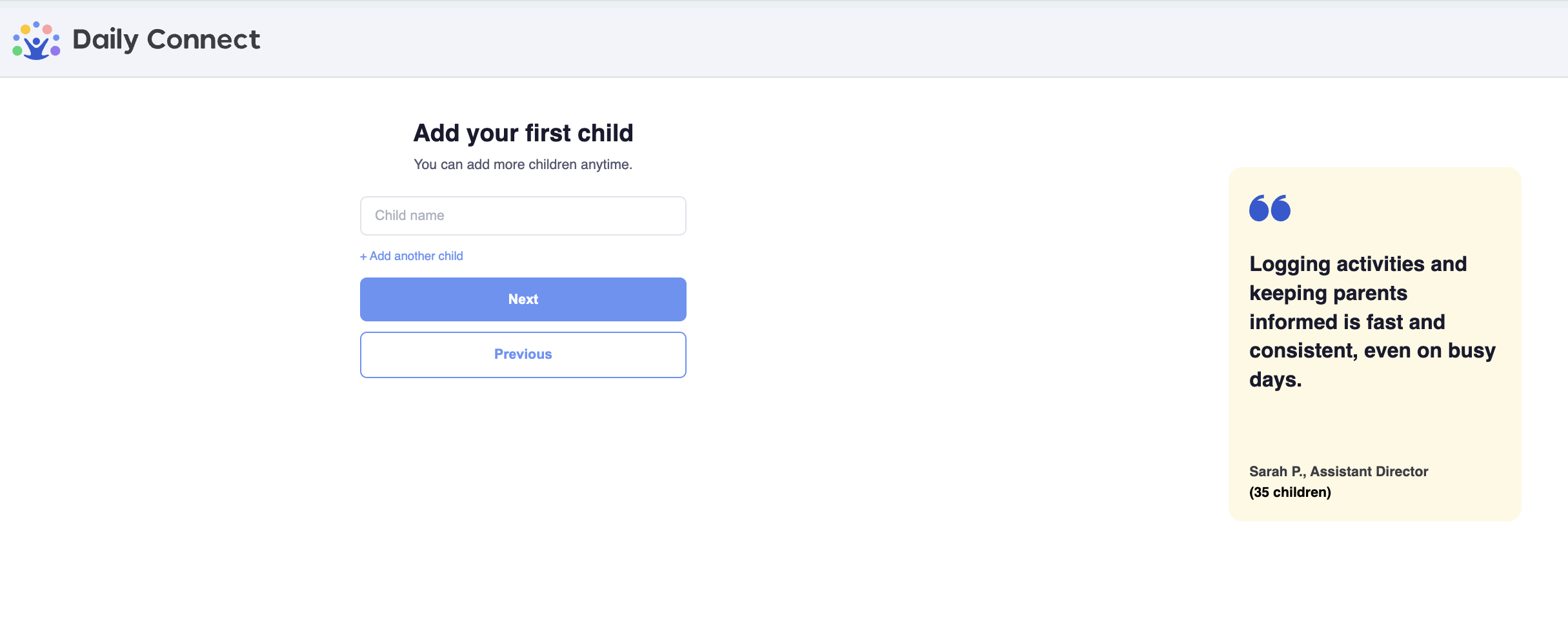
6. Add your first child. You can skip this step by selecting Next:
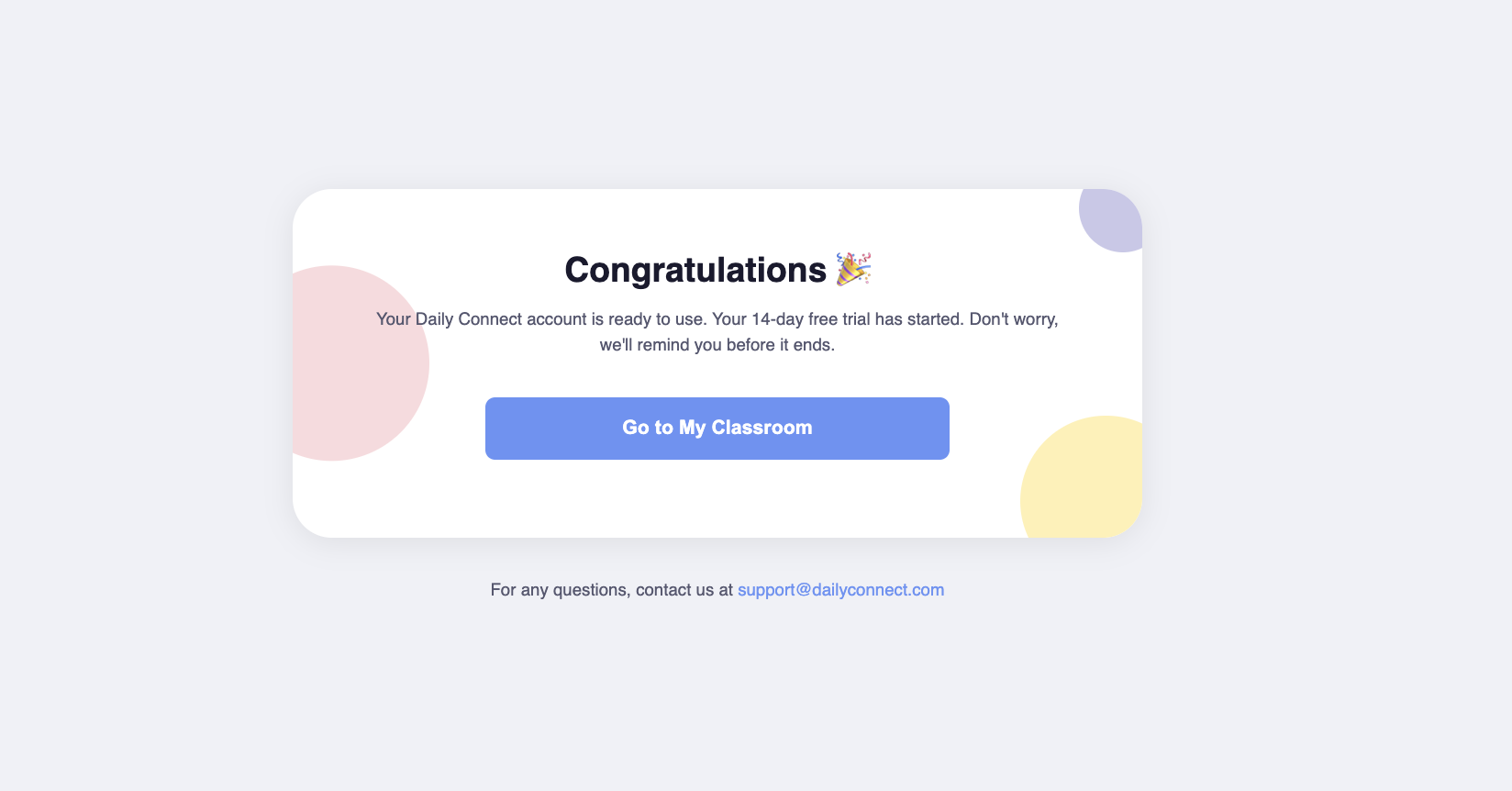
And you are done!
To access your account from your mobile phone, you can download the mobile app from App Store or Play Store and log in with your account credentials.
For more information on using Daily Connect as an Administrator, please view the following video.
Was this article helpful?
That’s Great!
Thank you for your feedback
Sorry! We couldn't be helpful
Thank you for your feedback
Feedback sent
We appreciate your effort and will try to fix the article